
Anime Crusaders X Shops and Currencies
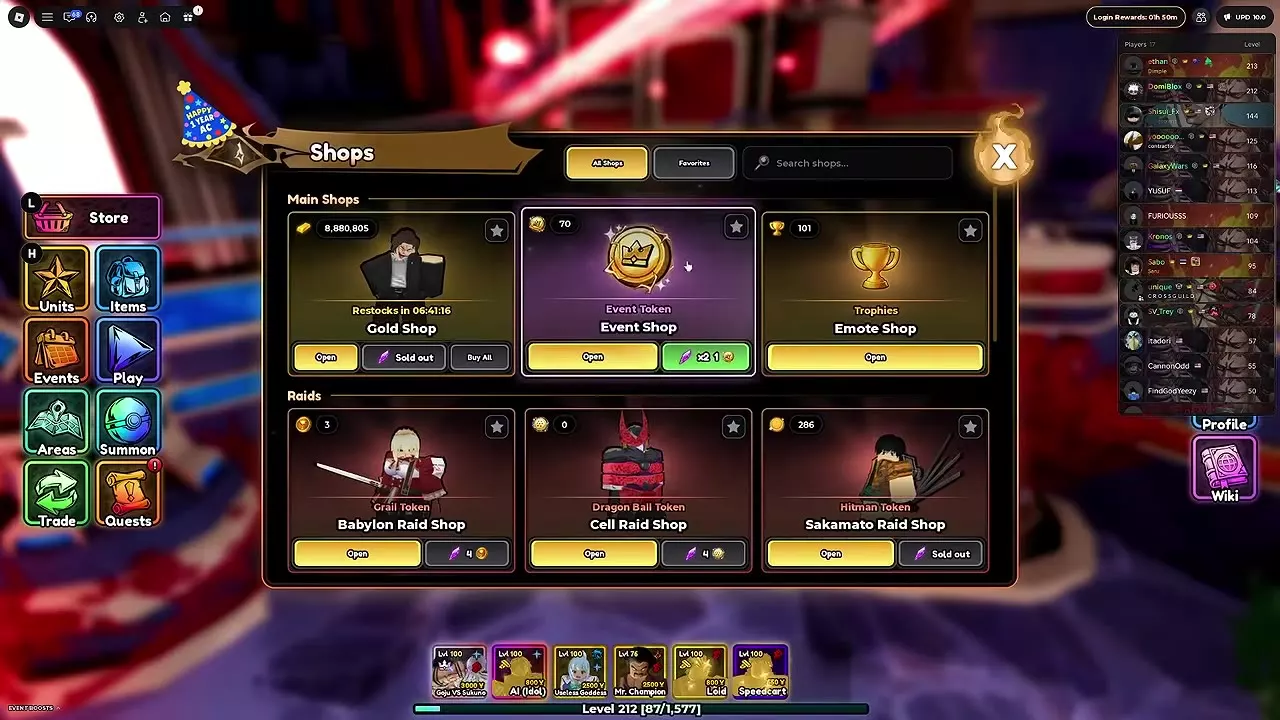
Find the shop that accepts your Gold, trophies or tokens, then open it from the lobby Shops window.
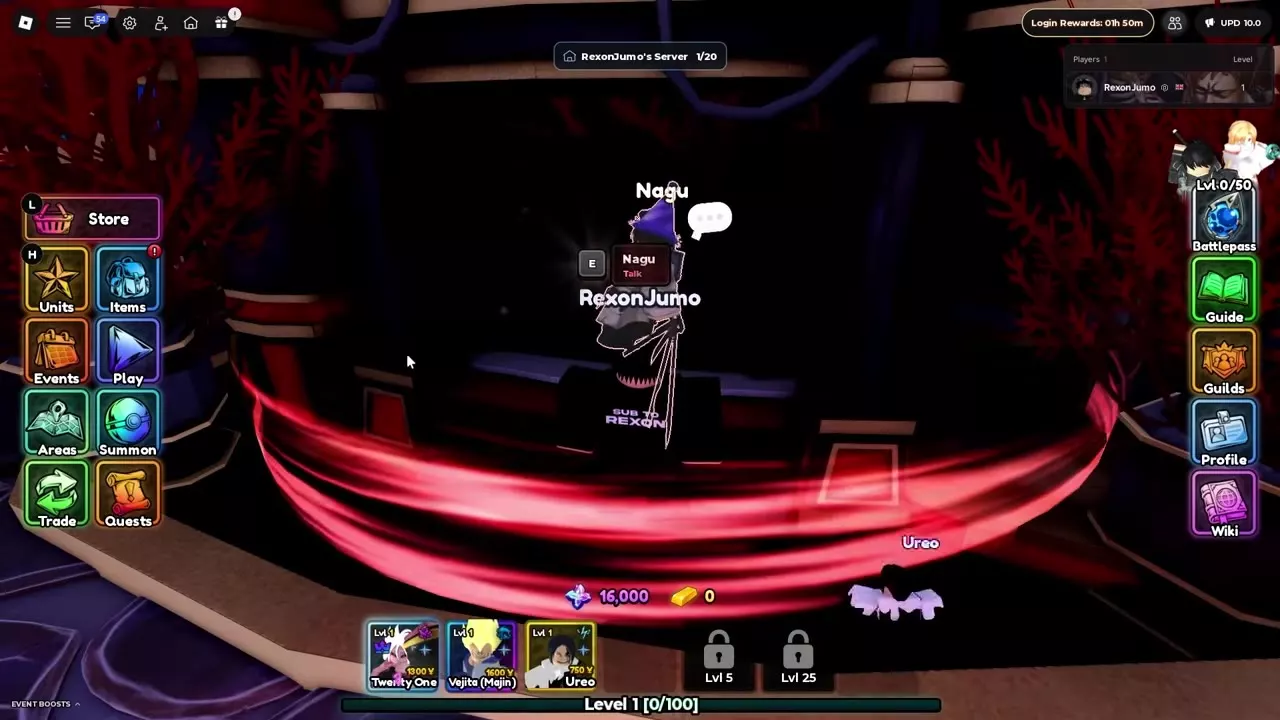
Use the Shops sign in the lobby or talk to Nagu and select Open Shops. Browse the Main Shops, Raids, Boss Rush and Trials categories, search by name, or save a shop to Favorites. Flame's Shop has a separate NPC entrance near the center of the lobby.
Open Shops at Nagu
Find the Shops sign in the lobby, or approach Nagu, press E and select Open Shops. The window groups shops under Main Shops, Raids, Boss Rush and Trials.
Browse All Shops or enter a shop name in the search box. Each shop card has an Open button that takes you to that shop.
Shop and currency reference
Choose the shop that accepts the currency you want to spend.
| Category | Shop | Currency |
|---|---|---|
| Main Shops | Gold Shop | Gold |
| Main Shops | Event Shop | Event Tokens |
| Main Shops | Emote Shop | Trophies |
| Raids | Babylon Raid Shop | Grail Tokens |
| Raids | Cell Raid Shop | Dragon Ball Tokens |
| Raids | Sakamato Raid Shop | Hitman Tokens |
| Raids | Shinjuku Raid Shop | Sorcerer Tokens |
| Boss Rush | Boss Rush: Control Shop | Tokens of Chains |
| Boss Rush | Boss Rush: Perfection Shop | Tokens of Resonance |
| Trials | Kitchen Madness Shop | Wrath Tokens |
| Trials | Einz's Shop | Einz Tokens |
Kitchen Madness Shop is also accessible by talking to Mely in the lobby and choosing Shop. For Flame's Shop, talk to Flame near the center of the lobby and choose Flame's Shop. It sells the Tier 1 Banana Island Portal for 1,000 Gems.
Favorites and purchase controls
Click the star on a shop card in All Shops to save it, then select Favorites to find it again. Choose Open to browse a shop's goods, or use the card's Trait Remnant shortcut to buy directly; the shortcut displays its price and remaining quantity.
When the amount picker opens for a bulk purchase or item use, drag the selector, type a quantity, hold + or −, or press Max. For purchases, the selected quantity is limited by what you can afford. Raid Shops also show your token balance and a search bar above their item list.
Prices and reward shops
- Gold Shop prices lists individual Gold prices and explains Buy All and restocking.
- Game Passes compares pass prices and benefits.
- Boss Rush and token shops covers the Control and Perfection exchanges.
- Kitchen Madness covers the mode and its reward shop.
- Raids and token rewards helps you find the raid for your target token.
- How to get Flame follows the Banana Island Portal route from the starting purchase to Flame.
Articles and guides
2Anime Crusaders X Gold Shop Price List
Compare XP Food and material prices from highest to lowest, use Buy All and read the shop's restock countdown.
Anime Crusaders X Game Passes
Compare all four Anime Crusaders X game passes by Robux price, summon savings, Shiny chance, storage capacity and equipped-team display.